

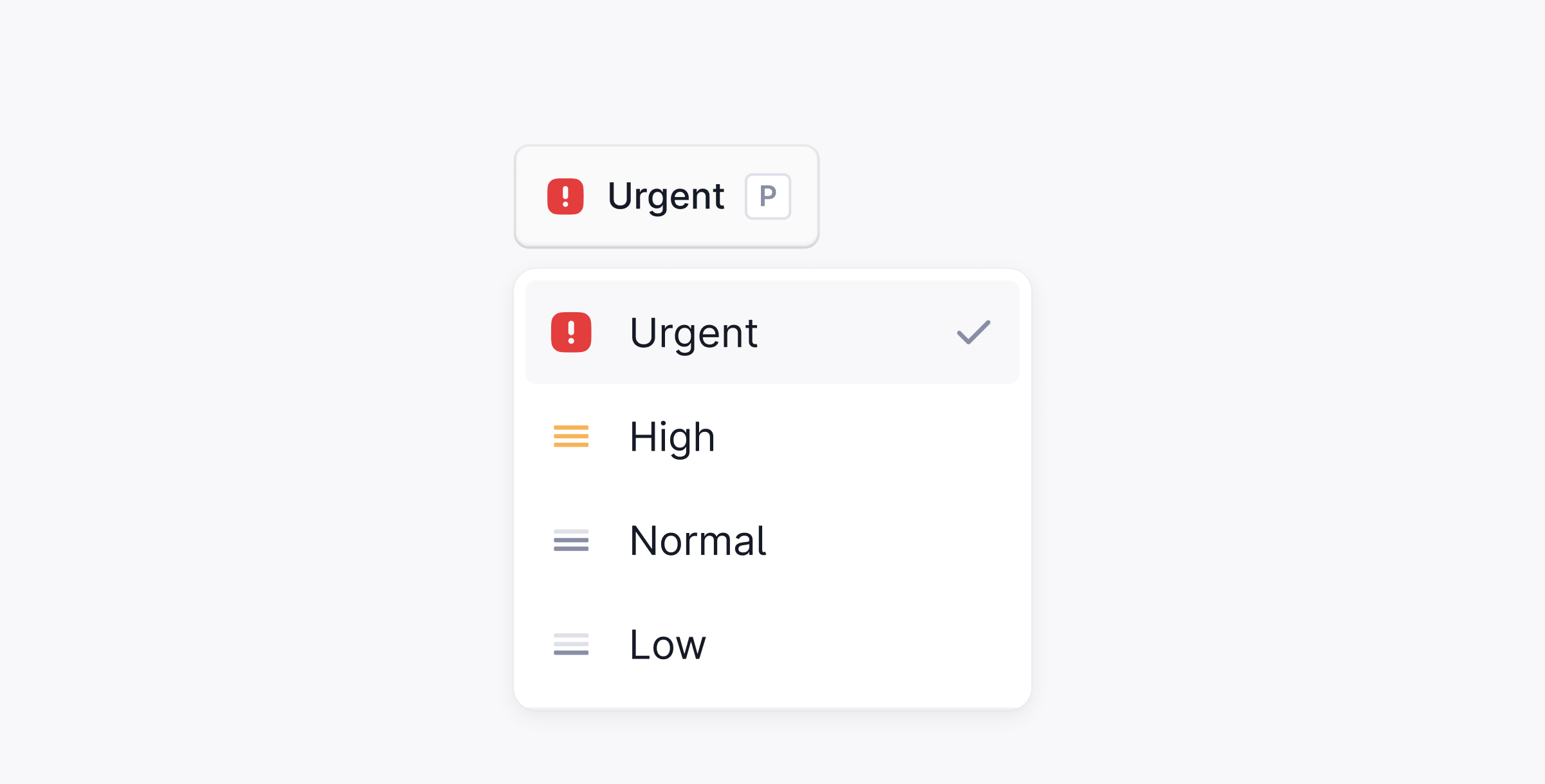
Priority levels
Set priority
There are three ways to set a priority on a thread:-
Press
Pwhile viewing the thread. - Open the command palette with ⌘ + K and search for Set priority.
- Select a priority from the dropdown in the thread header.
Documentation Index
Fetch the complete documentation index at: /llms.txt
Use this file to discover all available pages before exploring further.
Order your queue by urgency, and set SLA targets per priority.

| Level | When to use |
|---|---|
| Urgent | Downtime, security threats, or data loss |
| High | Blocked workflows or time-sensitive issues |
| Medium | Standard requests |
| Low | Routine questions and follow-ups |
P while viewing the thread.
Was this page helpful?
