> ## Documentation Index
> Fetch the complete documentation index at: https://plain-docs-orca-916-agent-docs-restructure.mintlify.site/llms.txt
> Use this file to discover all available pages before exploring further.
# Create a thread event
> Add a custom event to a single thread's timeline.
Thread events let you record something that happened in your own product against one specific thread, so it appears in that thread's timeline only.
A thread event will only be created in the thread ID provided. If you want an event to appear in
all threads for a customer please use a [customer
event](/graphql/events/create-customer-event).
To create a thread event you need a thread ID.
You can get this by [creating a thread](/graphql/threads/create) in Plain, from data in webhooks or other API calls you made. If you want to test this, press ⌘ + K on any thread and then "Copy thread ID" to get an ID you can experiment with.
In this example we'll be creating the following event:
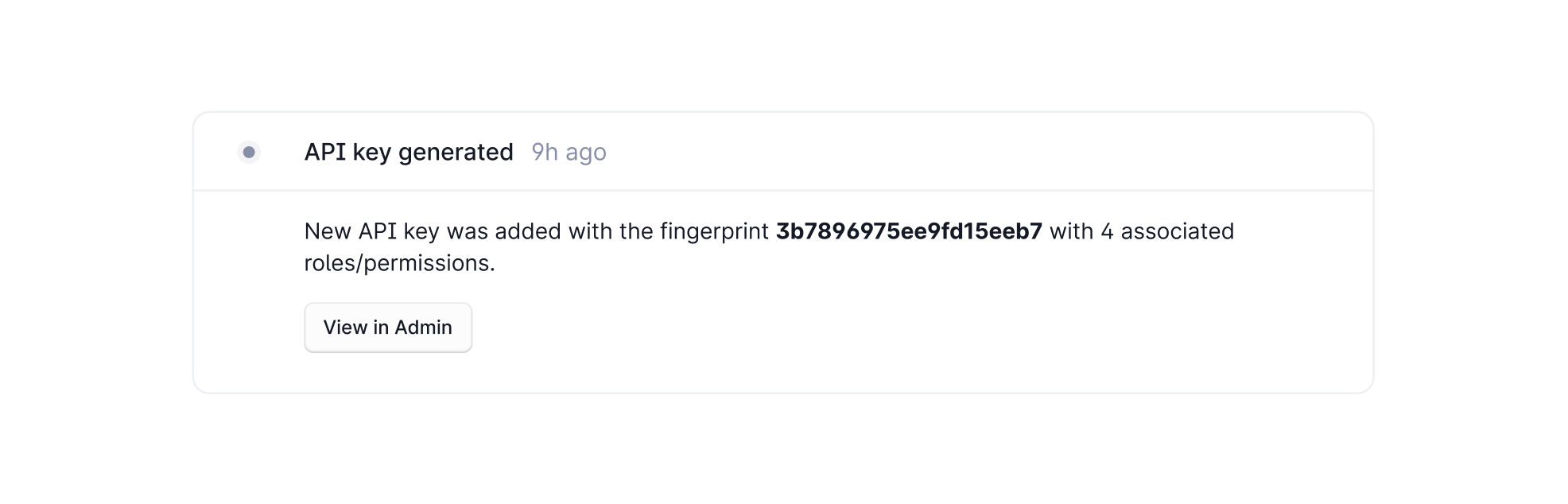 For this you'll need an API key with the following permissions:
* `threadEvent:create`
* `threadEvent:read`
For this you'll need an API key with the following permissions:
* `threadEvent:create`
* `threadEvent:read`